T4K3.news
Android Quick Settings become personal productivity hub
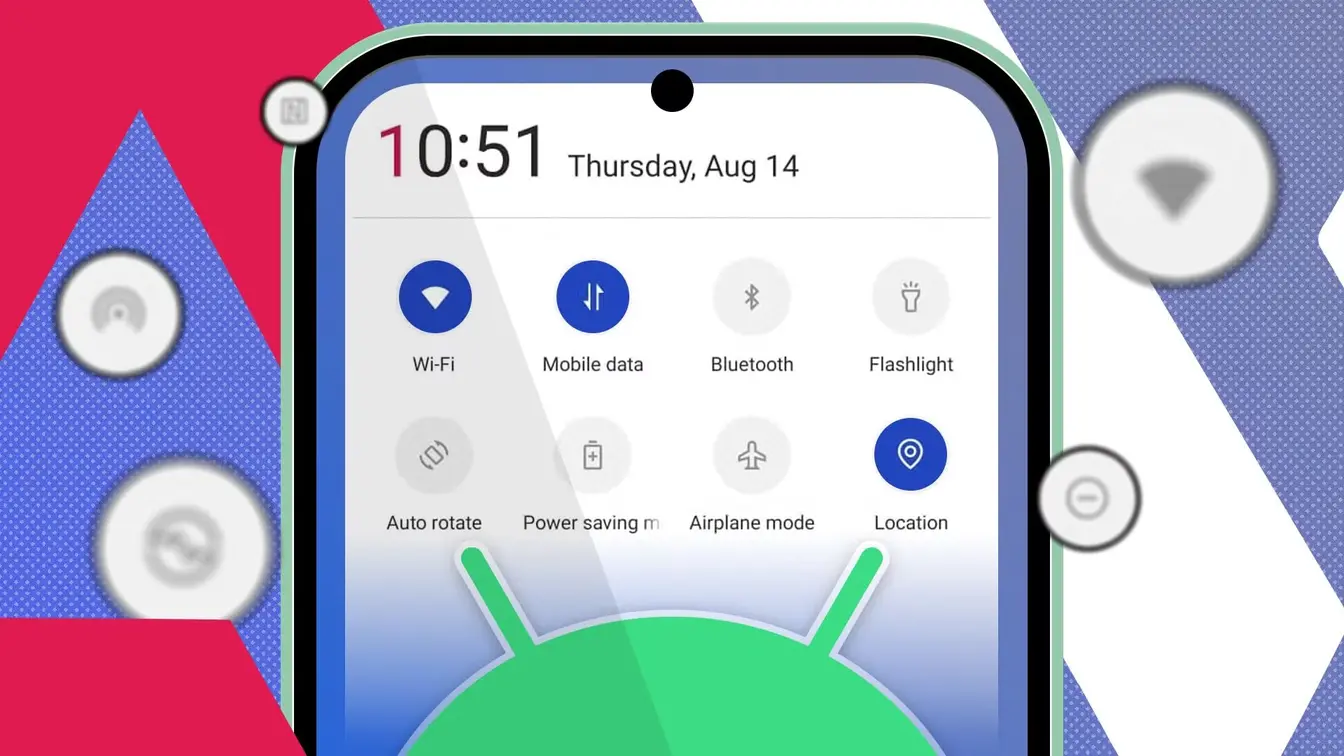
A user customizes the Quick Settings panel to create a one-tap command center for Focus Mode, Do Not Disturb, and automation tiles.



A practical look at turning a built-in Android feature into a daily productivity tool.
How I turned Android Quick Settings into my ultimate control hub
An Android user turned the Quick Settings panel into a personal command center. After auditing the panel, they removed rarely used tiles such as Quick Share, NFC, mobile hotspot and screen recorder, and added core controls like Focus Mode, Do Not Disturb, and Power Saving. The setup also pulls in tiles from third party apps, including TickTick Add Task and Easy Voice Recorder, and uses automation apps like MacroDroid or Tasker to trigger routines such as a Work Mode that silences alerts and launches apps.
The result is a faster, cleaner interface that can be accessed with a single swipe, even when the phone is locked. The author argues this reduces distraction and avoids flipping through home screens, showing how a small change can alter daily device use.
Key Takeaways
"This is where the real customization begins"
describes adding third party tiles and automation
"Now, instead of a cluttered grid of random toggles, I have Focus Mode, Do Not Disturb, Flashlight, and Power Saving front and center"
the result of editing the Quick Settings
"I no longer have to dig through settings menus to get things done"
describes reduced navigation time
This trend reflects a broader move toward user-led customization in consumer tech. People want interfaces that align with their routines, not generic layouts on a store shelf. It highlights how small UI changes can shift daily habits toward focus and efficiency. At the same time, reliance on third party automation raises questions about privacy, permissions, and potential battery impact, reminding readers that convenience can come with risk. The piece suggests that the future of mobile productivity may lie in modular, task focused controls rather than oversized home screens.
Highlights
- One clean swipe, tasks at a tap
- Your phone should work for you, not the other way around
- A tiny dashboard, a bigger hour of focus
- Tiny tiles, big productivity leaps
As devices offer more control, users will decide how much they want to own their screens
Enjoyed this? Let your friends know!
Related News
Outline Replaces Google Keep and OneNote for Serious Note Taking
Android continues to evolve with new technologies
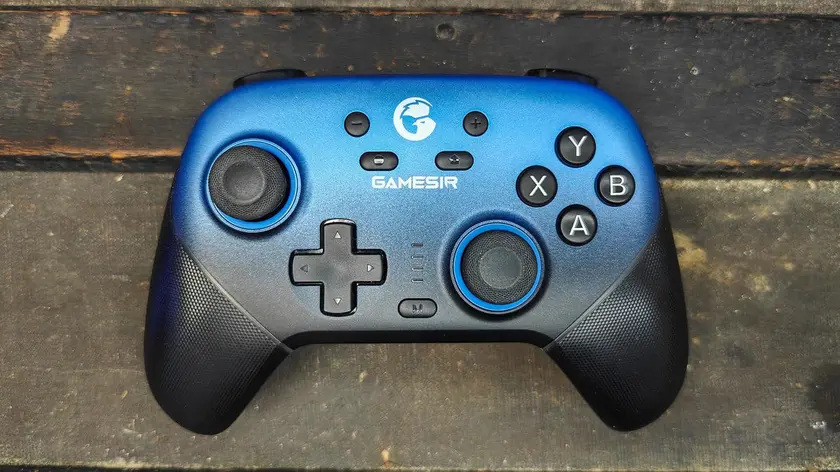
GameSir Super Nova Controller Launches at $50
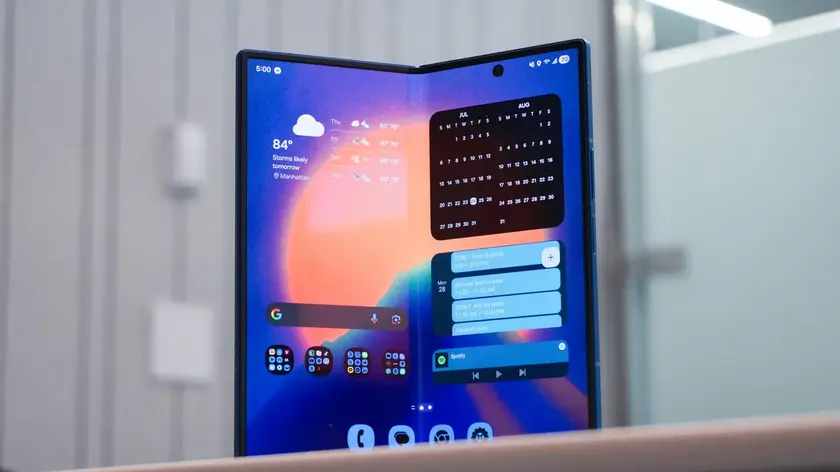
Samsung preinstalled apps prompt cleaner Galaxy phones

Blind Box Addiction Prompts Regulatory Watch

Madonna feud leaves Evansville memory
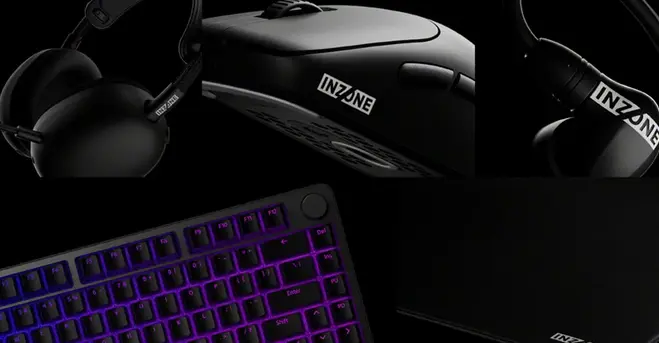
Sony unveils five new InZone PC peripherals
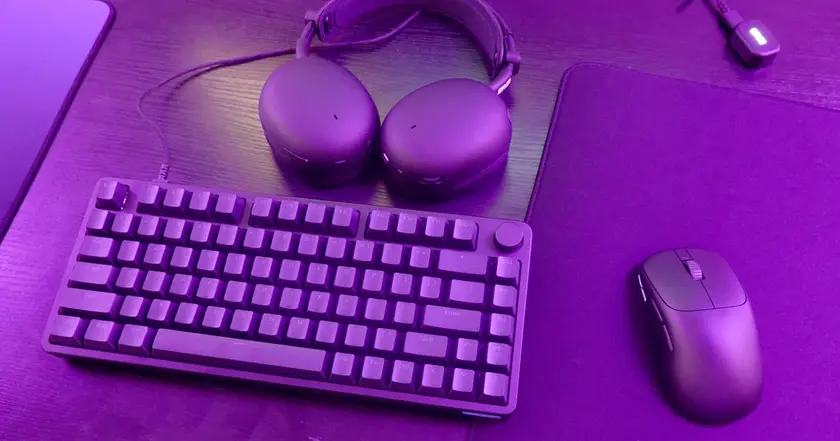
Inzone expands to keyboard and mouse